Continuous scrolling & improved exports
A set of upgrades to how you move through your calendar, on screen and on paper.
Continuous scroll
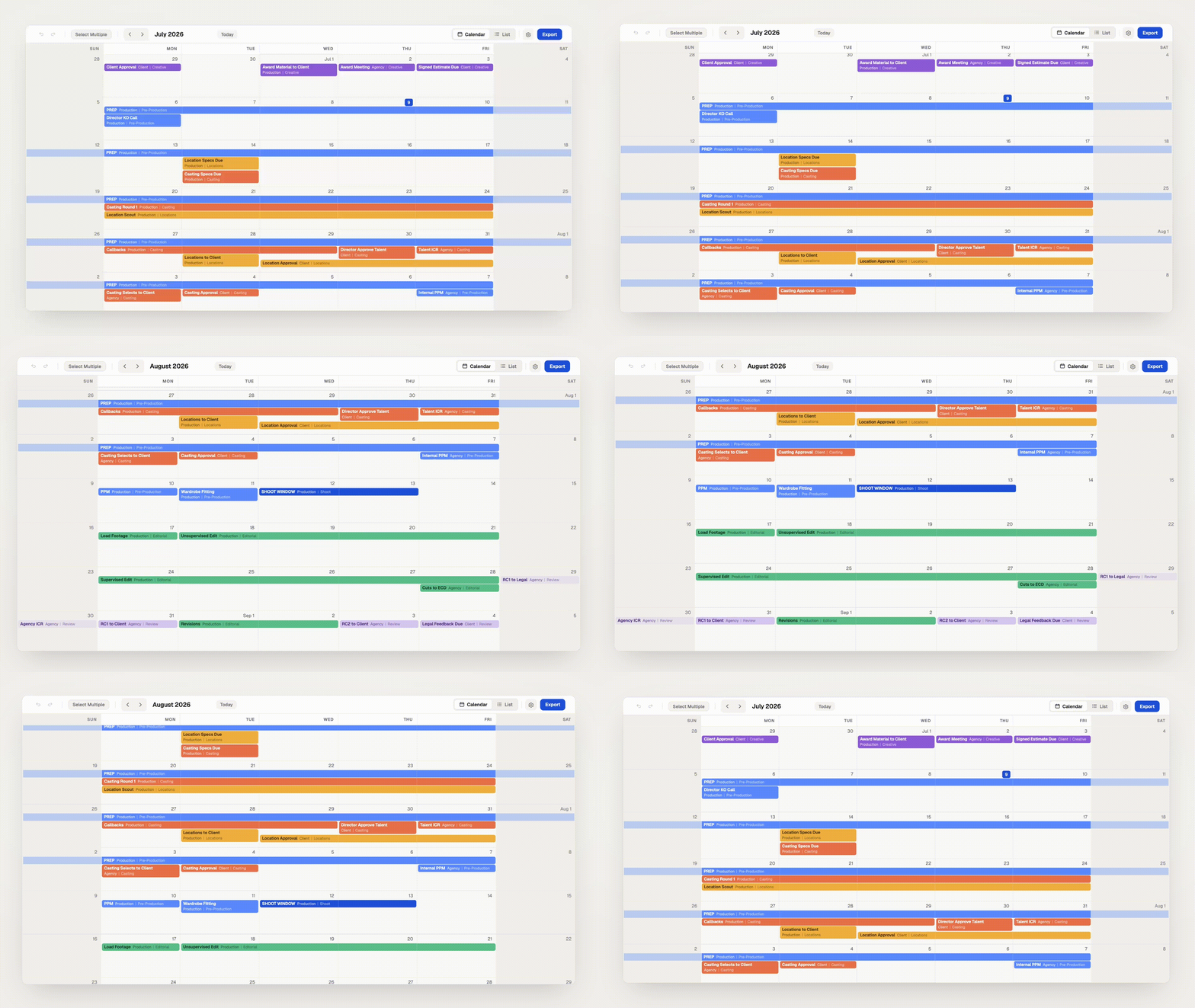
Your project calendar now flows as one continuous timeline, and so does the Master Calendar. Scroll to glide from month to month, or use the arrows and Today button to snap exactly where you need to be. The month title keeps pace as you move, and every month's first day is labeled ("Jul 1") so you always have your bearings.
Improved exports
Each exported month now includes just the weeks it spans. Fewer wasted rows means every month fits more comfortably on the page, with more room for the schedule itself. Month boundaries are clearer too: on weeks shared between two months, days outside the month are gently recessed and events belonging to the neighboring page appear faded, so an event near a month boundary never reads as a confusing duplicate across two pages.
Everything you rely on works just like before: drag, resize, push/pull, undo, sharing, all of it.